How to Get Satellite Imagery for Free: Complete 2026 Guide
Satellite imagery has never been easier to access. By 2026, students, researchers, journalists, farmers, local governments, small businesses - basically anyone with an internet connection - can download high-quality satellite images for free. Whether you’re analyzing land-use change, checking seasonal vegetation, monitoring environmental damage, or simply adding new layers to QGIS, the tools are finally open to everyone.

This guide shows you where to find the best free satellite imagery, how to download it, how to use it in QGIS, where to get near–real-time images, and what matters when choosing the right dataset. You’ll also see how OnGeo simplifies the whole process by providing ready-made satellite reports with no accounts, no subscriptions, and zero technical skills required.
Best Free Satellite Imagery Sources
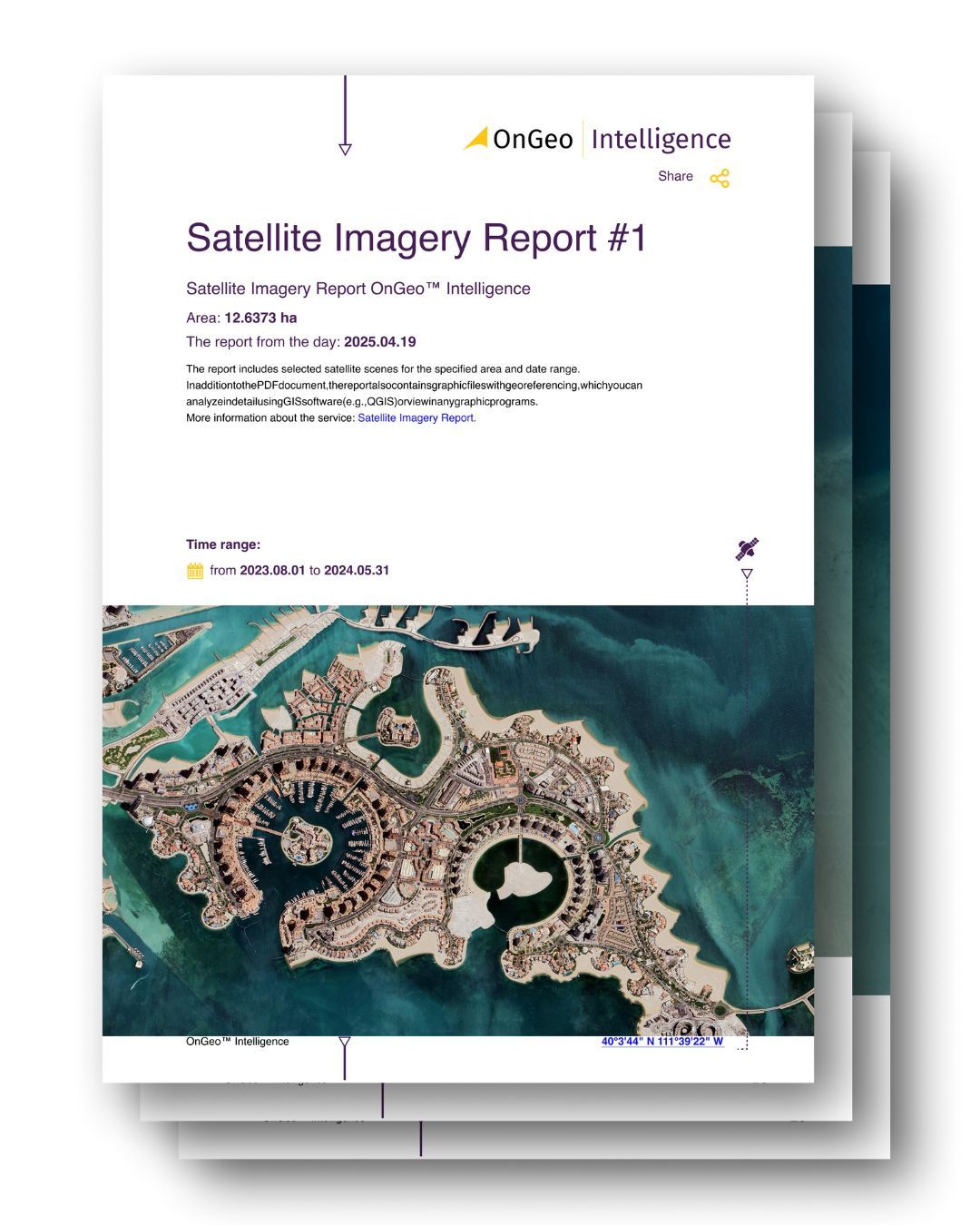
Best for: quick access to curated satellite scenes, non-technical users, journalists, landowners, small businesses, rapid verification of land activity
Resolution:
free tier: 10 m Sentinel-2 sharpened to 2.5 m (with code ongeo100)
paid: high-resolution commercial imagery up to sub-meter, depending on availability
Why use it:
instant, ready-to-use satellite reports without accounts, logins, or GIS tools
scenes are pre-selected, chronologically arranged, and delivered as a clear PDF
perfect for users who need satellite data but don’t want to deal with downloads, band combinations, or technical platforms
supports investigations, due diligence, environmental checks, land ownership issues, and quick on-site reporting
Copernicus Open Access Hub / Copernicus Data Space Ecosystem (Sentinel)
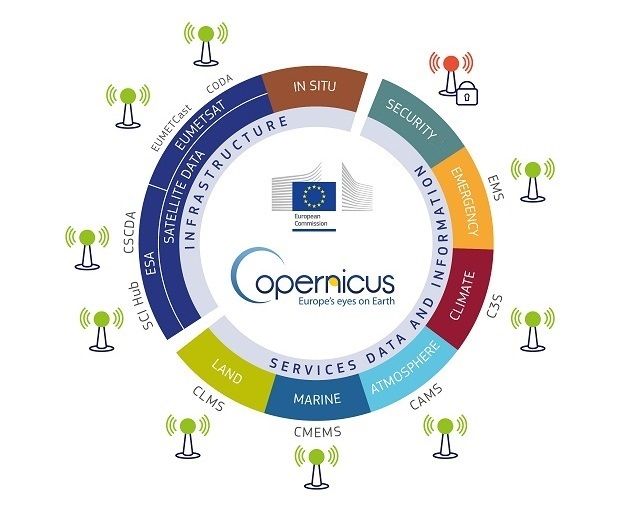
Best for: frequent updates, environmental monitoring, agriculture, land-use analysis
Resolution: 10–20 m (Sentinel-2), 5–20 m (Sentinel-1 SAR)
Why use it:
completely free
global coverage
fast access to new scenes
optical + radar data
USGS EarthExplorer (Landsat, MODIS, NAIP)
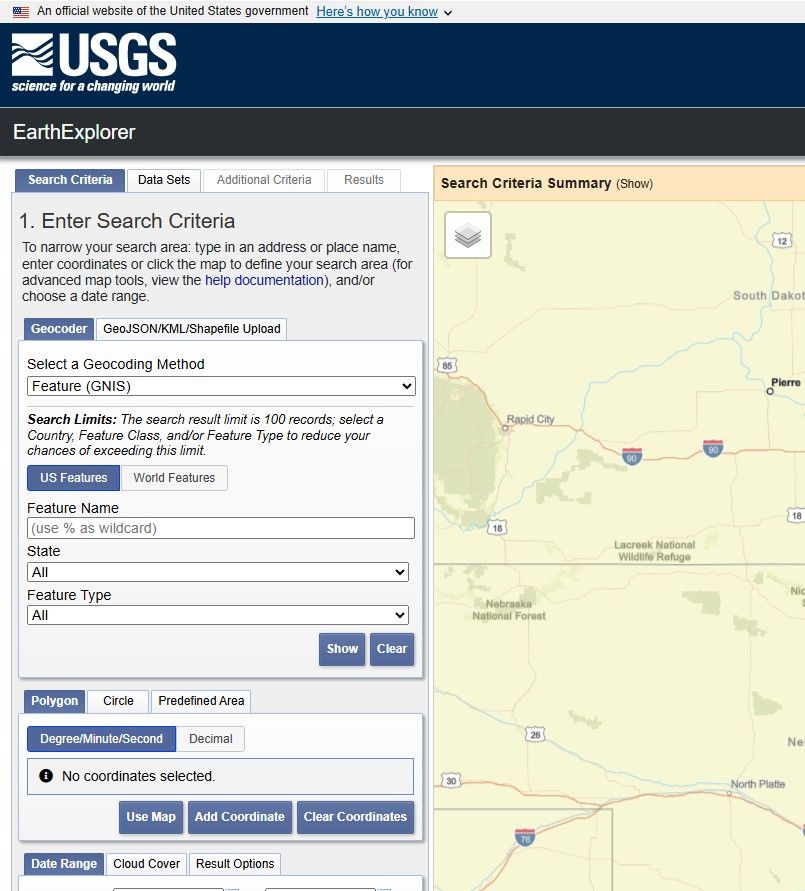
Best for: long-term change detection and historical analysis
Resolution: 15–30 m (Landsat), 60–250 m (MODIS)
Why use it:
one of the largest open archives
ideal for time-series projects
multiple download formats
NASA Worldview / Earthdata
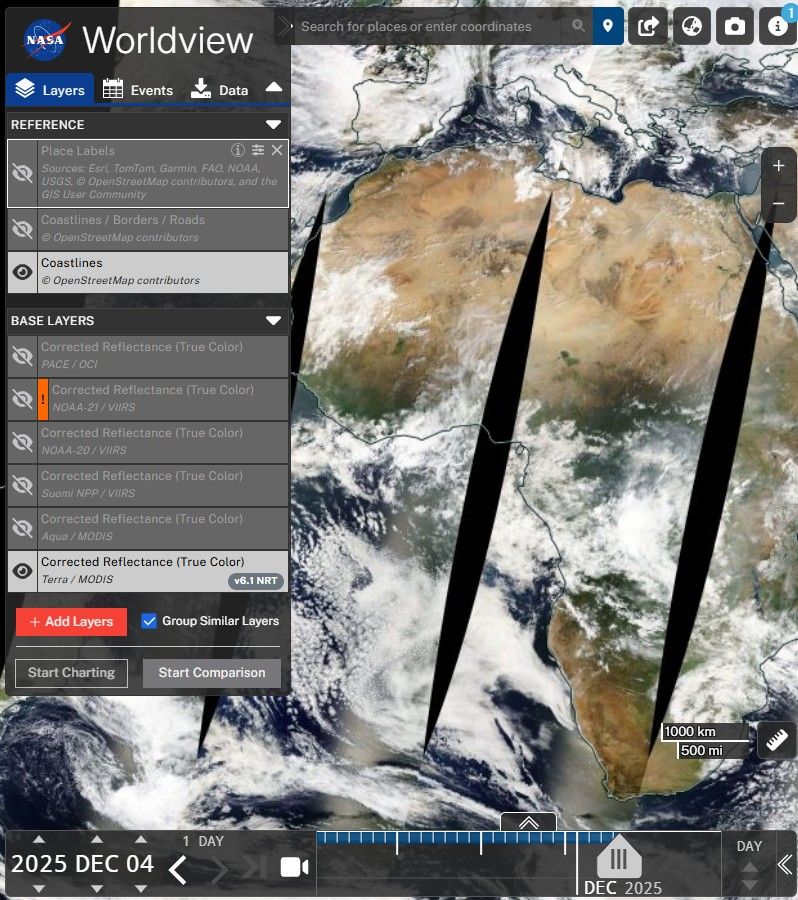
Best for: live and near-real-time imagery, storms, wildfires, disaster monitoring
Resolution: 250 m–1 km
Why use it:
daily global updates
intuitive browsing
perfect for large-scale monitoring
Google Earth (Free Desktop/Web Application)
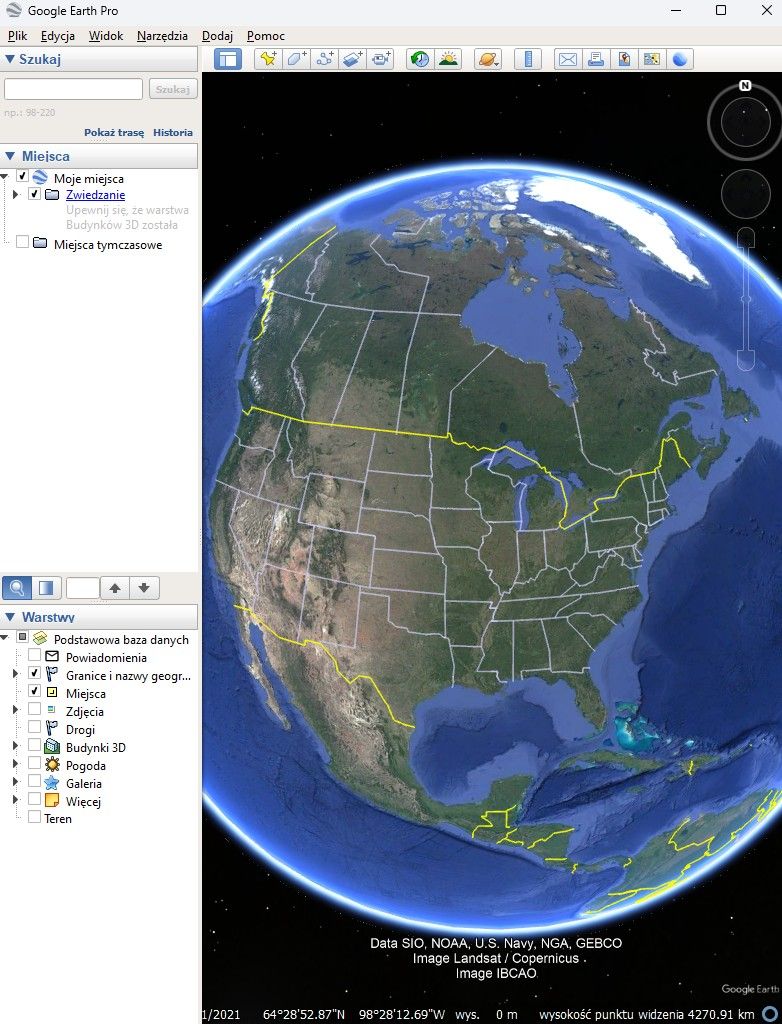
Best for: quick viewing, historical imagery, simple visual analysis
Resolution: varies from sub-meter to 30 m depending on region
Why use it:
free and easy to install
wide historical archive
beginner-friendly
Note: Google does not provide raw satellite data for download. It’s for viewing only.
ESA SNAP + Sentinel Toolbox
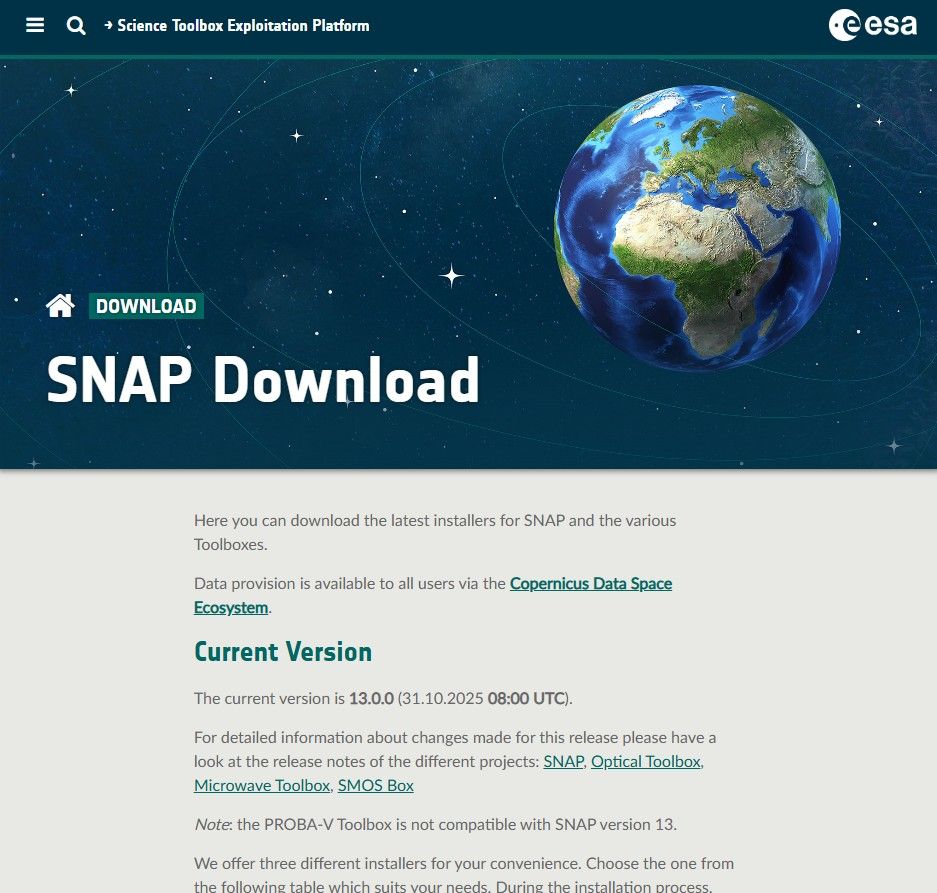
Best for: advanced processing of Sentinel data
Why use it:
entirely free
tools for atmospheric correction, SAR processing, cloud masking
NOAA Satellite Data
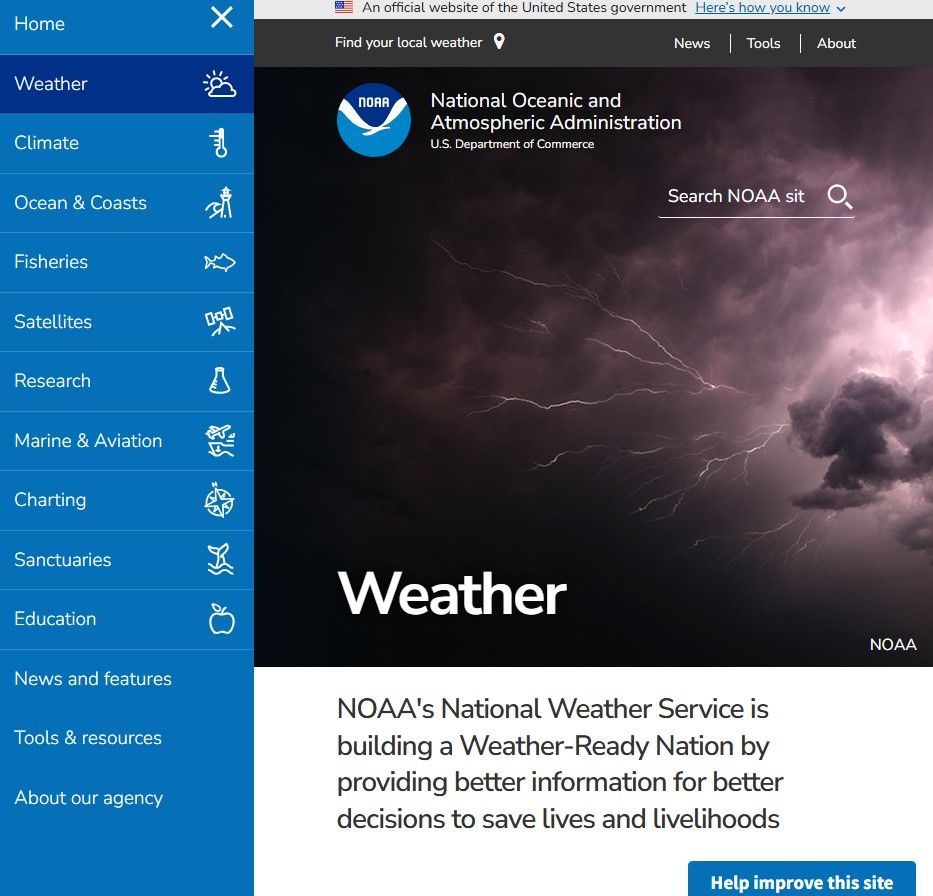
Best for: weather, oceans, storms, atmospheric observations
Resolution: moderate, depending on the sensor
Why use it:
near-real-time weather satellite data
global monitoring
NASA FIRMS (Fire Information for Resource Management System)
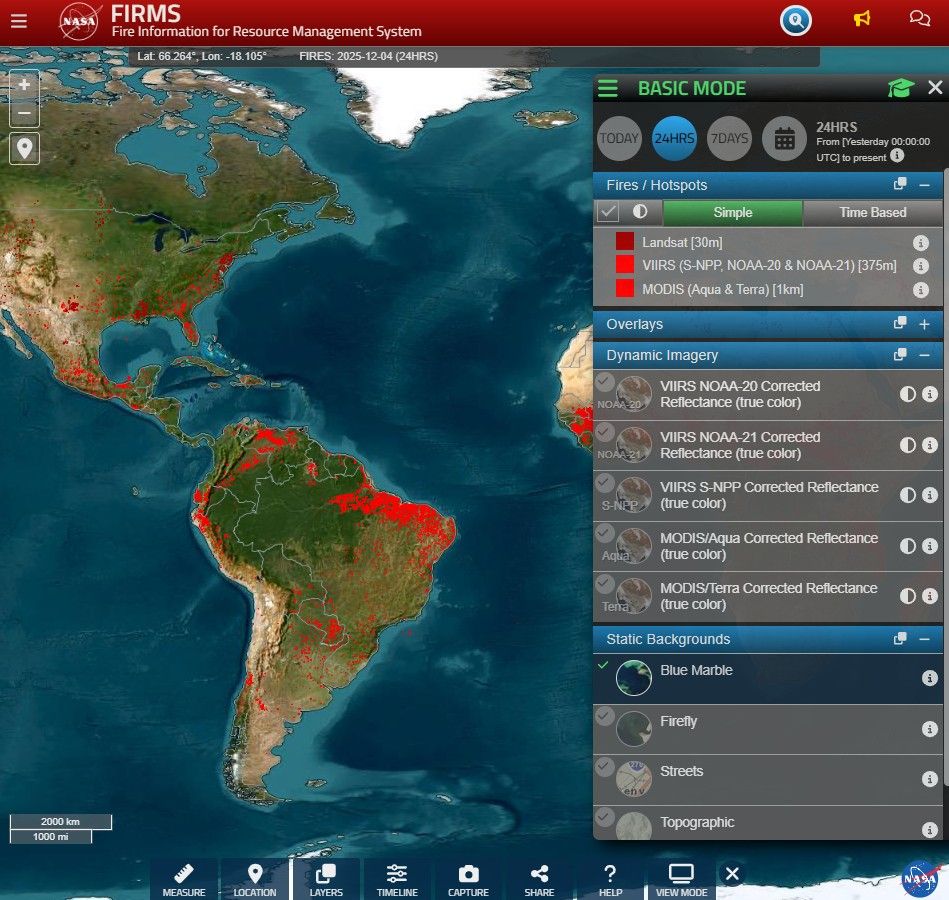
Best for: wildfire detection and hotspot monitoring
Why use it:
near-real-time global fire data
fast, free access
What to Consider When Downloading Satellite Imagery in 2026
Resolution vs Cost
The trend continues: higher resolution, lower prices.
General rule of thumb:
10–30 m (Sentinel-2, Landsat) – free, great for vegetation and land cover
1–5 m – mid-tier commercial
0.3–1 m – premium; use only when absolutely necessary
Always choose the lowest resolution that still answers your question.
Licensing & Usage Rights
Before downloading, check whether you’re allowed to:
use the imagery commercially
redistribute it
use it for AI/ML training
Many providers are shifting toward AI-friendly licenses, but not all.
Cloud-Native Access
In 2026, modern imagery usually comes in:
STAC API
COG
Zarr
cloud buckets (AWS, GCP)
If a provider doesn’t support cloud-native formats, expect delays and headaches.
Latency (Freshness of Data)
Different tasks need different refresh speeds:
disaster response, agriculture – ideally <24 hours
research, planning – weekly or monthly data is fine
Processing Levels
Know what you’re downloading:
L1 – raw, uncorrected
L2A – atmospherically corrected, ready for analysis
ARD – standardized, tiled, best for ML pipelines
For ML work, ARD is the time-saver.
Cloud Coverage & Seasonality
Even with improved cloud detection, it still pays to check:
percentage of cloud cover
dry vs wet season
multiple scenes instead of one
File Size & Bandwidth
High-resolution scenes can be huge. Use:
clipped AOI downloads
tiled downloads
streaming instead of full downloads
Sensor Type
New 2026 sensors worth noting:
hyperspectral (Pixxel, Orbital Sidekick)
advanced thermal missions (Landsat Next)
more commercial SAR providers
Choose based on the problem you need to solve.
AI-Ready Metadata
If you plan to build ML models, look for:
surface reflectance
cloud masks
sun angle
classification layers
accurate geolocation metadata
How to Get Started with Satellite Imagery (2026 Guide)
1. Define Your Use Case First
Decide what you actually want to do:
land cover mapping
crop stress detection
flood analysis
urban expansion
environmental monitoring
training AI models
Your use case determines the imagery you need.
2. Start with the Free Classics
The big three:
Sentinel-2 (10 m) – vegetation and land cover
Landsat 8–9 (30 m) – long-term analysis
Sentinel-1 SAR – floods, clouds, nighttime imaging
These datasets are well-documented and easy to learn.
3. Use No-Code Tools First
Before diving into APIs, try:
OnGeo (ready-made PDF reports)
Copernicus Browser
EO Browser
EarthExplorer
Google Earth Engine
It’s the easiest way to build confidence.
4. Move to Cloud-Native Workflows
Learn the modern pipeline:
STAC
COG
Zarr
tile-based streaming
5. Learn the Essential Python Stack
Start with:
rasterio
geopandas
pystac-client
xarray / rioxarray
shapely
Begin with small tasks: NDVI, water masks, change detection, clipping.
6. Understand Resolution Tiers
30 m – continental scale
10 m – national or regional
3–5 m – urban areas
0.3–1 m – detailed, building-level
7. Learn Licensing Early
Not all “free” imagery is free of restrictions.
8. Understand Key Satellite Types
Optical, SAR, hyperspectral - each solves different problems.
9. Do Real Projects
Start with 2–3 simple workflows such as:
crop stress mapping
flood monitoring
urban heat island analysis
11. Automate Small Tools
Small utilities like an NDVI API, clipping service, or change-detection script are great entry points.
12. Follow Industry Updates
Satellite tech is evolving quickly. Keep an eye on:
ESA updates
NASA blogs
EO research communities
Why OnGeo Intelligence Is Important in 2026
The real challenge today isn’t access to satellite data - it’s complexity. Most platforms still require logins, API keys, archive browsing, or GIS experience. That’s where OnGeo comes in.
1. Instant Access to Satellite Scenes
No digging through databases, no configuration, no GIS setup.
2. No Accounts or Subscriptions
Order only what you need, when you need it.
3. Zero Technical Knowledge Required
No band selection, no atmospheric correction, no coordinate systems.
4. Clear, Professional PDF Reports
Useful for journalists, NGOs, offices, consultants, landowners and investigators.
5. Free Sentinel-2 Reports (with code ongeo100)
A simple way for anyone to start exploring satellite imagery.
6. High-Resolution Imagery for Everyone
What used to be restricted to governments and corporations is now available to the public.
Final Thoughts
Satellite imagery is no longer a niche tool reserved for scientists or defense agencies. In 2026, it has become a resource for everyday use - easy to browse, easy to download, and easier than ever to understand.
Thanks to free public datasets and accessible platforms like OnGeo, anyone can monitor changes on Earth without wrestling with technical barriers. The future of satellite imagery isn’t just about better resolution or more satellites. It’s about making this data available to everyone.
Related articles
- How Satellite Imagery Works: From Space to Your Screen
- Free Satellite Imagery Providers: Compare and Choose the Best Option
- How to get free satellite images on your phone
- How to Download Free Sentinel Data: A Step-by-Step Guide
- High Resolution Satellite Imagery: Best Quality Sources
- How to Get a Current Satellite Map of My Property
- Satellite Imagery: Definition and Applications in 2026
- How to Add Satellite Imagery to QGIS: Step-by-Step Tutorial
- How Often Does Google Maps Update Satellite Images?